I thought AI governance is about AI?

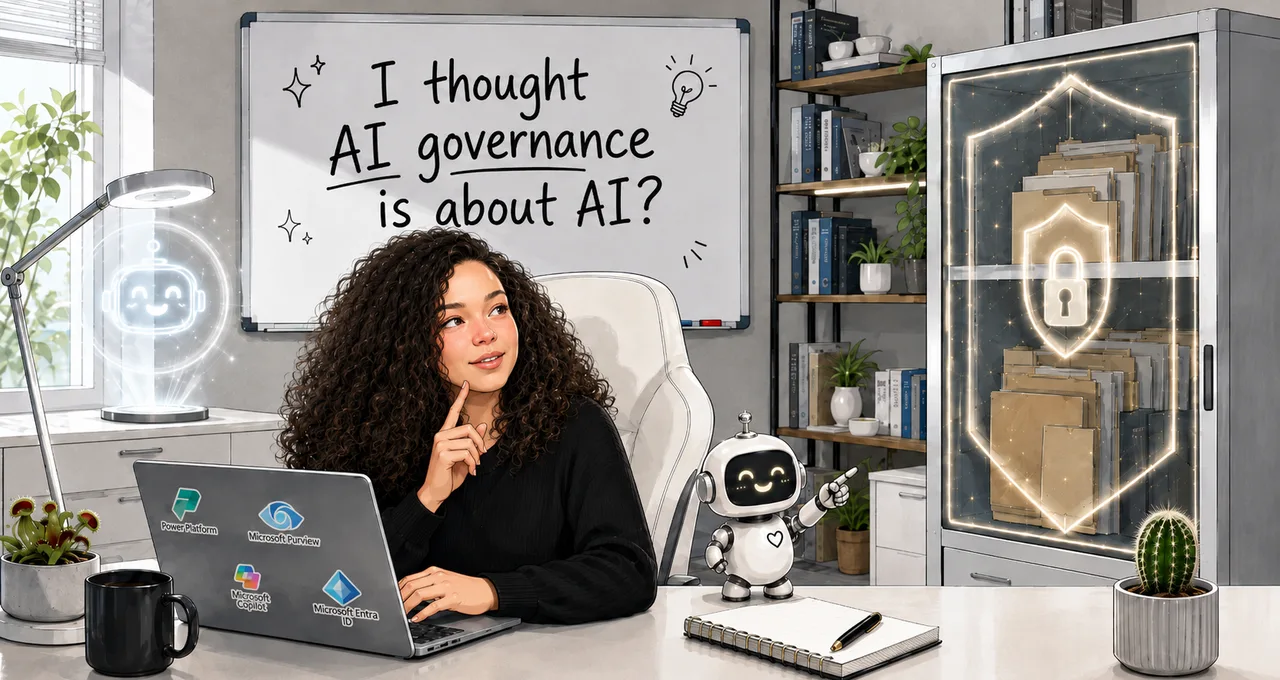
Copilot gets switched on for everyone in your company. People are excited. They're imagining all the time they'll get back once they hand the tedious, repetitive parts of their work to a new AI assistant, one that knows everything and can find anything. "Just ask Copilot" becomes the mantra.
Then Copilot doesn't return anything useful. It doesn't know the latest operational procedures. It surfaces incomplete drafts and outdated documentation you didn't even know you had access to. It can't find the one document you need an answer from, even when you tell it exactly which SharePoint site, which library and which folder to look in.
Before long, you and your colleagues agree: the tool is broken.
The tool is not broken.
Years earlier, your organisation made a reasonable decision. It wrapped its most sensitive content in the strongest encryption available, made it unreadable even to Microsoft, and kept the keys close. There was no AI in the picture then, and nobody revisited the decision when the AI arrived. So the assistant did exactly what it was built to do: it stayed out of content it wasn't allowed into.
This is what I ran into on the first AI rollout I joined. I came expecting to think about models, prompts and agents. I found a classification problem instead.
Why more protection can be the thing breaking your AI
Copilot can only read what the signed-in user is already allowed to open. That's the whole security model, and it's a good one.
Encryption makes it more complicated. When a file is encrypted, the encryption carries a set of usage rights: permissions baked into the file that decide what each person is allowed to do with it, like open it, edit it, or copy text out of it. For Copilot to work with an encrypted file, the signed-in user needs two of those rights in particular: EXTRACT (copy content out) and VIEW (read it). Without both, Copilot can't do anything with the file. Microsoft documents this as part of how Copilot honours your protection settings.
So your protection settings decide what the AI can see. One setting in particular draws a hard line: Microsoft's Double Key Encryption, or DKE.
DKE uses two keys to lock a file. One key Microsoft holds, and one key you keep entirely to yourself. Because Microsoft never has your second key, Microsoft's own services can't read the content. That's the whole point of it. DKE is built for your most sensitive data, the crown jewels, and it keeps that content out of reach of Microsoft 365 services, Copilot included.
Once DKE is applied through a sensitivity label, every document carrying that label is invisible to the AI. If that label has been spread across most of your sensitive content, applied "just in case", you've blinded Copilot across a big slice of your most important material.
The answer isn't to open everything up just so the AI can read it.
Remember this rule instead: who holds the key decides whether the AI can read the file. With Microsoft-managed keys, or with your own key through BYOK (bring-your-own-key, where you supply the key but it lives in Microsoft's cloud so its services can still use it), Microsoft can open the content, so Copilot can read it. With DKE, you keep a key entirely to yourself and Microsoft gets no copy, so Copilot is locked out. Same strong protection in most respects, completely different outcome for the AI.
Why information protection is AI governance work
Separating what a piece of content is from who should be able to reach it. Building a set of sensitivity labels simple enough that people will actually use them. Setting access at the container, the SharePoint site or the team, instead of baking it into every single file. Knowing when encryption protects you and when it just gets in the way.
That's ordinary information-protection work, and the people who do it in Microsoft Purview, Microsoft's data-protection toolset, have been doing it for years. The technique isn't new. What's new is the consumer: an assistant that reads on behalf of every user, never gets tired, and inherits their exact permissions. Get the data layer right and the AI behaves. Get it wrong and no AI policy will save you.
This gets especially sharp in the regulated world I work in. In places like energy and critical infrastructure, "just open it up so the AI can read it" often isn't even an option, because some of that content is legally required to stay tightly held. Drawing the line precisely between what really can't be touched and what was only ever locked down out of habit is the corner of this field I care most about.
What this blog is about
This blog has one goal: to share the small and big lessons I pick up as I work my way into AI business solutions and AI governance, and hopefully help someone on a similar path.
Here's the first thing you can try this week to find out what might be blocking your Copilot:
- Open the Microsoft Purview portal.
- Go to Solutions > Information Protection > Sensitivity labels.
- Count how many of your labels apply Double Key Encryption, or apply encryption without the EXTRACT and VIEW rights.
While you're there, note any labels that use the "let users assign permissions" option. That one also blocks Copilot, for the same reason: it can leave out EXTRACT and VIEW.
Clicking through every label stops being reliable once you're past a handful. For a sprawling label set, run this instead. It does the same three checks across every label, with a count at the end:
# Security & Compliance PowerShell - requires the ExchangeOnlineManagement module
Connect-IPPSSession

$report = Get-Label |
    Where-Object { $_.EncryptionEnabled -eq $true } |
    Select-Object DisplayName, Name,
        @{ N='DKE';         E={ -not [string]::IsNullOrWhiteSpace($_.EncryptionDoubleKeyEncryptionUrl) } },
        @{ N='UserDefined'; E={ $_.EncryptionProtectionType -eq 'UserDefined' } },
        @{ N='MissingViewOrExtract'; E={
            if ($_.EncryptionProtectionType -ne 'Template') { return $false }
            $defs   = $_.EncryptionRightsDefinitions
            $rights = if ($defs -is [string]) { $defs }
                      else { ($defs | ForEach-Object { $_.Rights }) -join ',' }
            -not ("$rights".ToUpper() -match 'VIEW' -and "$rights".ToUpper() -match 'EXTRACT')
        } }

$report | Sort-Object DKE, UserDefined, MissingViewOrExtract -Descending |
    Format-Table DisplayName, DKE, UserDefined, MissingViewOrExtract -AutoSize

$blinding = $report | Where-Object { $_.DKE -or $_.UserDefined -or $_.MissingViewOrExtract }
"Labels that blind Copilot: {0} of {1} encrypted labels." -f $blinding.Count, $report.Count
If the total feels higher than a crown-jewels handful, you've found your first AI-governance project. And notice that it isn't really an AI project at all.
0 comments