The new user type in your tenant is not a user

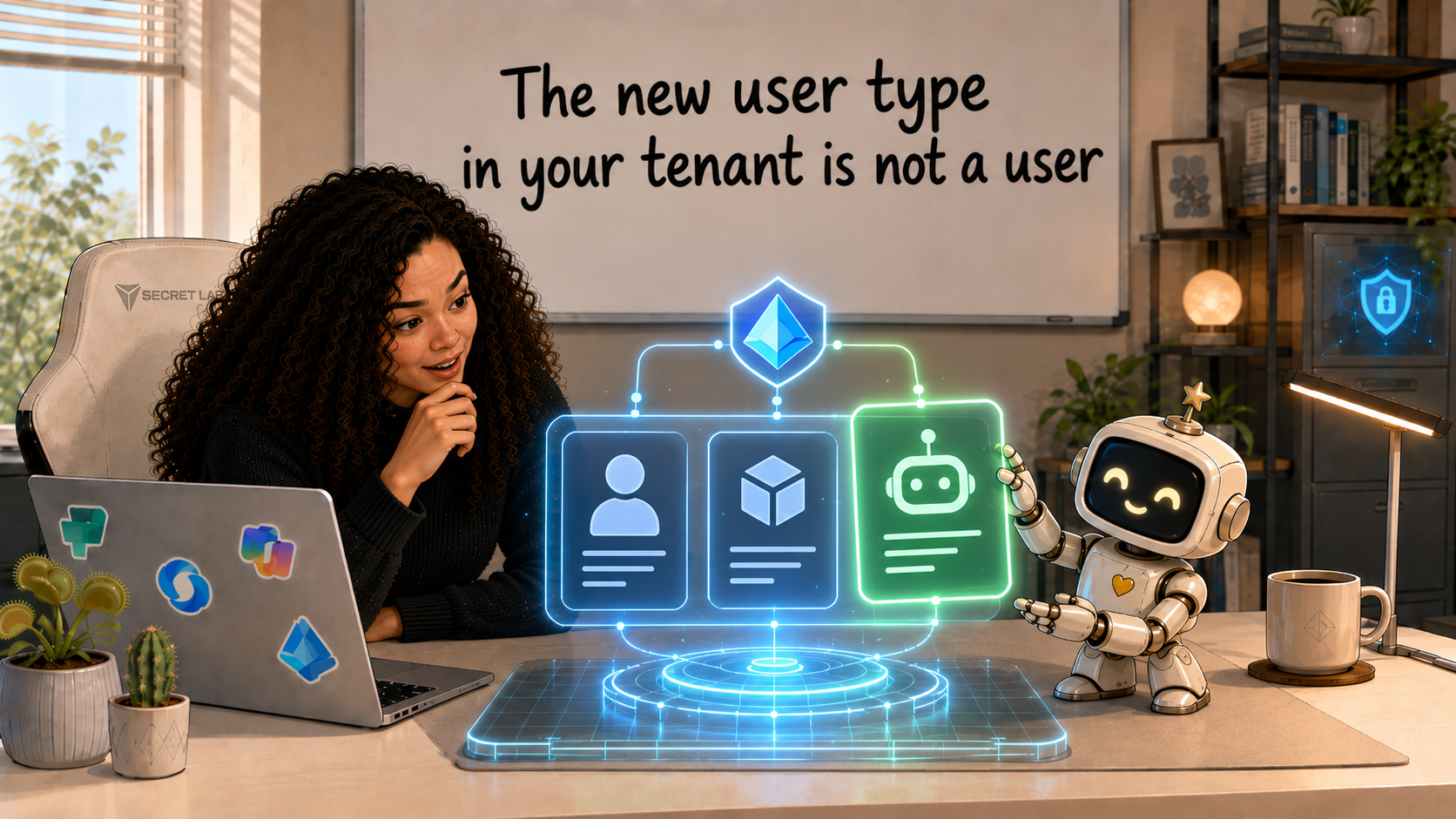
Every new Copilot Studio agent in your tenant now gets its own identity, the same way every employee gets an account. Now the agent receives a Microsoft Entra Agent ID at creation, automatically, and you can no longer opt out. If you administer a Microsoft tenant where anyone builds agents, this is already happening.
What is an agent identity?
An agent identity is an account in Microsoft Entra ID (Microsoft's identity service, the thing that used to be called Azure AD) that belongs to an AI agent instead of a person or an app.
Your tenant already holds accounts for people (users) and accounts for software (service principals, the identity behind an app registration). Agent identities are a third kind, built for agents: software that reads a goal, makes decisions, and acts on them, sometimes with no human involvement.
An agent with its own identity can sign in, request access tokens, call APIs like Microsoft Graph, and show up in your sign-in logs under its own name. You can find them in the Microsoft Entra admin center under Agent identities, next to your users and apps.
Didn't we already have identities for software?
We did, and that's exactly the problem. When an agent needed to touch real data, admins reached for what existed: a service account with a real licence and a password nobody rotates, or a service principal with application permissions. Both may work but they were designed for something else.
A service principal assumes the thing behind it is stable: an integration your team built, with a known owner and a long life. Agents break every one of those assumptions. They get created by makers in Copilot Studio on a Tuesday afternoon, they multiply fast, and some exist only for minutes inside an automated workflow. Managing that churn through application identities adds operational overhead and security risk.
The deeper issue is attribution. When an agent works through a shared service account, your audit log says the service account did it. Which agent? Which of the eleven flows using that account? On whose behalf? The log can't tell you. In a regulated environment, "the service account did it" is not an answer you want to give an auditor.
Agent identities fix the actual problem instead of patching around it:
- Attribution. Sign-ins are logged as agent activity, distinguishable from users and apps, and changes the agent makes in Dataverse are attributable to the agent itself.
- Right-sized access. You grant each agent exactly the permissions its task needs, instead of inheriting whatever the shared account accumulated over five years. The identity model is also built to help keep agents away from the most critical security roles.
- Lifecycle. Agents come and go. When one is retired, its identity, credentials, and permissions go with it. No orphaned service account left behind.
An identity tells you who acted but it doesn't make the agent act well; you still need your data policies and a human who owns the outcome.
What's already happening in your tenant
If your organisation uses Copilot Studio, this is already true today:
- Every agent created since July 2026 has an Entra Agent ID. Automatically, at creation, no configuration needed and no way to turn it off.
- Your tenant grew a blueprint. The first agent created after the rollout added a "Microsoft Copilot Studio agent identity blueprint" to your tenant. Think of it as the template all Copilot Studio agent identities are stamped from; every one of them is a child of it, which is designed to let you apply policy to the whole class at once later (that's in identity-governance preview).
- Agent permissions are visible in Entra. When a maker publishes an agent, the Power Platform connectors it uses appear as API permissions on its agent identity. You can see what an agent can call without having to open the Power Platform admin center, and you can target those permissions with Conditional Access policies (sign-in rules like "only from trusted networks"). The scopes are re-checked at runtime against your data policies, so they can't be used to sneak past them.
Agents built before July 2026 still run on app registrations. Microsoft says they'll be migrated later; until then, governance works for both. And every agent identity comes with a required human sponsor: the maker who created the agent is recorded as accountable for it. That's a topic big enough for its own post.
To check any agent: in Copilot Studio, open the agent's Settings, then Advanced, then Metadata. The GUID under "Entra Agent ID" is its identity. Search for it in the Entra admin center and there it is, an account of its own.
Give your first agent real data access
An agent identity on its own can authenticate. For the agent to read or write actual data in Dataverse (the database under Power Platform and Dynamics 365), it needs to become a security principal in that environment — an account the environment recognises and can grant rights to — with a security role, exactly like a human user would.
Microsoft shipped this to public preview on 6 August 2026: agent users in Dataverse. Preview means not for production yet and details may change, so do this in a dev or test environment.
- Sign in to the Power Platform admin center and go to Manage > Environments, then pick your environment.
- Select Settings in the command bar.
- Expand Users + permissions. You'll see a new entry alongside Users: Agents.
- Select + Add agent, search for your agent, and add it.
- On Manage security roles, assign a role and save.
The security role decides what the agent can actually touch. If you're tempted to grab an existing broad role because it's Friday and the demo is Monday, resist it. Give the agent the narrowest role that covers its task; create a dedicated one if nothing fits. You are setting a precedent for every agent that follows.
Then verify your work to make sure it works as intended. Open a record the agent has modified and check the audit trail: the change should be attributed to the agent user, not to a person or to a generic application account.
The cost
While creating and managing agent identities and blueprints costs nothing extra on any Entra plan, what you can enforce with it does not come for free: Conditional Access for agents, risk detection, and access reviews come with Microsoft 365 E7, and below that, they need an Agent 365 licence per user plus the matching Entra tier. Budget for that before you promise the security team a fully governed agent estate.
Check this week
Open the Microsoft Entra admin center and look at the Agent identities list. If makers have been building agents since July, that list is not empty, and every entry on it is an account you're responsible for.
You can't govern what you haven't looked at.
0 comments