Green tests, broken app: my take on building with AI

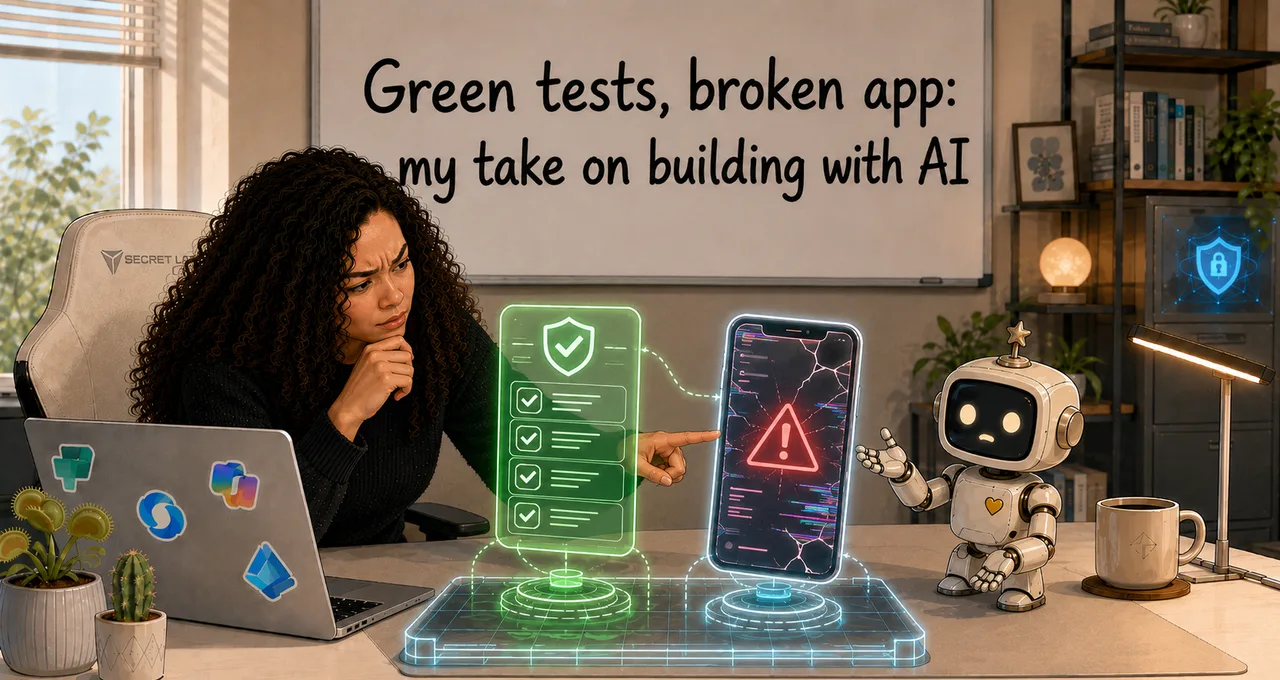
I split the build into ten phases. The first interface to write to Dataverse was implemented in phase two. It took me until phase ten to realise that no normal user could write anything in my app.
Every automated check was green.
The bug appeared the first time a real colleague tried to post a help request.
That is my experiment with Claude Code and an AI development harness in a nutshell: it produced a substantial app, a coherent codebase and hundreds of passing tests. It also produced software that looked much more finished than it actually was.
The experiment
I rebuilt the first Power App I ever made: a skills-management app for self-assessment, communities, development goals, certifications, finding help and tracking demand.
This time, I built it as a Power Apps Code App with Claude Code. Code Apps are still a preview surface and moving fast, so the platform specifics I hit here reflect the state when I built this — some may already have changed.
The experiment had two parts.
First, I wanted to test the harness method I learned from Charles Sexton's EPPC session and public demo repository. The repository would hold durable instructions, design rules, tests, implementation plans and checks that the coding agent had to follow.
Second, I wanted to test a planning method inspired by Thariq Shihipar's Anthropic post on finding your unknowns. Before implementation, I used blind-spot passes, interviews, references, prototypes and an implementation plan to pull hidden assumptions into the open.
The method worked.
The app also failed in ways the method did not catch.
AI was very good at getting me started
The first real benefit was momentum. I had been stuck between understanding the harness idea and creating one for my own project, and asking Claude for a strawman I could correct broke that immediately. It held through the build: Claude could turn a rough requirement into a proposed data model, screen flow, test strategy or slice, so I did not have to invent every artifact from a blank page and could spend my attention on judgment instead.
That is a real advantage.
The implementation plan was the most useful part of the harness. It put the riskiest assumptions first, so the opening slice proved the data layer before anything depended on it — and when one of those assumptions hit a wall the generated SDK could not clear, the build stopped and changed direction instead of hacking around it. That is exactly what I wanted the harness to do: make "stop and ask" safer than inventing a workaround.
AI was good at holding a large build together
The build spanned many sessions and a growing set of decisions, and the durable files gave it a memory outside the conversation — so a fresh session did not depend on whatever happened to fit inside the model's window.
The running implementation notes mattered more than I expected, because they forced apart four things that are easy to blur: what was decided, what was implemented, what was tested, and what had been observed with a real user. A security role can be designed but not provisioned, provisioned but not tested, and pass every test while real users still cannot do their jobs. Those are not the same thing — and treating them as if they were is how you ship something that looks finished and isn't.
The generated types were a quieter win. Choice values came through as integer literal types, so passing a string could fail at compile time instead of becoming a runtime surprise — a much stronger control than a paragraph asking the model to remember.
Green tests did not mean the app worked
The capstone failure was a Dataverse permission problem.
The custom security roles were designed, provisioned and documented. Automated tests were passing. I had also built a security probe that checked important denials: a normal consultant should not rewrite rating history, delete it or edit a community catalogue they did not lead.
Those deny tests passed.
Then a colleague signed into the actual app and tried to create a help request.
Dataverse rejected the write.
The roles were missing the Append and Append To privileges needed to associate rows through lookups.
The app had been tested mostly through a System Administrator account. That account bypassed the restriction that every normal user would hit.
For ten phases, every ordinary write path was effectively broken.
The harness had tests. It had the wrong tests.
My first security probe only asked, “Can an unauthorised user do something dangerous?”
It did not ask, “Can an authorised user do their job?”
That made the suite structurally blind to the bug that mattered.
After the failure, I added matching allow probes. A consultant now had to prove that they could create a help request, create its related target rows and delete their own request. The probe cleaned up after itself and checked that no test rows remained.
That changed how I think about security testing.
A boundary that is too open is broken.
A boundary that is too tight is also broken.
Deny-only tests can see only one of them.
The most dangerous mistakes looked correct
The obvious bugs were not the ones that worried me most.
A cut-off chart label is annoying. A button that does nothing gets noticed.
The dangerous mistakes were the ones that looked plausible.
The community statistics counted former members. The number rendered cleanly. Nothing crashed. The result was simply wrong.
The demand view showed a neat list of “under-served” skills, but the logic measured average depth only among people who had rated the skill. A skill with one strong person could look healthy even though it had a serious bus-factor problem.
The demand tab itself was difficult to understand. I had to ask, “What am I actually looking at?” before we discovered that the screen's label and the underlying query were telling different stories.
Another screen included a control that implied a supported workflow with no Dataverse backing behind it.
Claude could make these interfaces look complete because it's good at continuing the pattern.
That was the problem.
Consistency can make an unsupported assumption feel like a finished product.
My best testing tool was asking annoying questions
The highest-value catches did not come from reading every line of code.
They came from using the app and refusing to explain away confusion.
Why is this number higher than the number of current members?
What does “under-served” mean here?
Why does the Copilot Studio skill show a gap while another skill with only one capable person does not?
What happens when I click this?
Is this expected?
Why does the screen say that?
Those questions sound small. They forced the implementation back into contact with reality.
The human role is not to watch the agent type. It is to notice when the software asks the user to believe something it had not earned.
That requires product knowledge, domain knowledge and discomfort tolerance. You have to be willing to stop a smooth-looking build and say, “I do not understand this.”
Even recorded decisions were only hypotheses
One of the strongest lessons came late in the security work.
I had decided that peer assessment scores should not be exposed. The product would use the scores to help people find support, but it should not turn colleagues into a ranked list.
The security design included column-level protection and masking for the score field.
The decision was documented. It looked settled.
Then we tried to implement it.
The approach did not fit the Code Apps client surface or the way the app used the value. The generated client could not request the unmasked value required by the design, and masking the column would also mask each user's own score. The app depended on that integer across self-assessment, charts, search and analytics.
The planned defence would have broken the product.
So I dropped it.
The app now keeps peer scores out of the user experience, but an authenticated user with sufficient data access can still read the raw value through the Dataverse API. The security probe measures and prints that exposure on every run so it cannot disappear inside a forgotten design document.
I do not love that outcome.
It is still better than claiming a boundary that does not exist.
The larger lesson is uncomfortable: even your decisions are hypotheses until someone builds and tests them against the real platform.
The harness could be wrong too
A harness is supposed to reduce the model's room to improvise.
It cannot make its own instructions true.
One inherited instruction described the generated service response too loosely. The live generated client and its TypeScript types showed the actual response shape.
The toolchain had also moved since the harness example I used as reference for my own harness was created, so the harness had inherited instructions that were now wrong.
This does not mean that the reference was bad or that it should not be used. It was extremely useful, in fact.
But we need to be aware that a harness is code-adjacent documentation. It ages.
When the generated types, live environment or current documentation disagree with it, the harness needs to change. Or you build a harness that focuses on behaviour instead of technical implementation details that are vulnerable to changes.
Otherwise, all you have is a very organised way to repeat an old mistake.
AI was bad at knowing when it was done
Several times, Claude reported a phase as complete while the app still contained dead controls, placeholder behaviour or screens that had not been tested by a human.
The build had a strong mechanical definition of done:
- TypeScript compiled.
- Lint passed.
- Unit and component tests passed.
- The app built successfully.
Those checks were valuable.
They did not answer:
- Can a normal user complete the task?
- Does the screen tell the truth?
- Is the statistic meaningful?
- Does the security boundary allow the intended action?
- Is the feature backed by real data?
- Does the product behave the way the specification claims?
AI is comfortable completing the checklist it has.
It is much less reliable at noticing that the checklist is missing the thing the user cares about.
What I would hand AI without close supervision
After this experiment, I would trust AI most with work where correctness is constrained by a strong external check.
Examples include:
- mechanical refactoring protected by tests;
- generating repetitive typed wrappers from an established pattern;
- applying a known design token across components;
- drafting fixtures;
- updating references after a schema change;
- producing a first implementation plan for review;
- writing tests for a rule I can state precisely;
- maintaining structured implementation notes.
I would stay closely involved anywhere the work depends on meaning rather than syntax:
- user-facing behaviour;
- product and domain decisions;
- security;
- data provenance;
- analytics;
- claims that a feature is complete;
- claims that a result is correct;
- anything that looks plausible without being true.
AI's tests rely on external mechanisms sending error codes if something is wrong.
Types can catch a string passed where an integer choice is required.
A compiler cannot tell you that an “under-served” label is misleading.
Did I over-engineer it?
My boyfriend looked at the scale of the harness and thought I had over-engineered the project.
He was substantially right.
The useful core was smaller than the complete document set:
- a reviewed implementation plan;
- a thin set of non-negotiable laws;
- generated types and automated checks;
- implementation notes as durable memory;
- real-user and direct-API probes.
Some documents became longer than the build needed. More instructions did not automatically create more certainty. Contradictions still crept in.
The amount of ceremony should match the size, risk and expected lifetime of the work.
A one-session prototype does not need the same harness as a multi-session app with Dataverse security, several user roles and analytics.
The rule is:
A specification asserts what should happen.
A real-user login shows what does happen.
A security design asserts a boundary.
An allow-and-deny probe watches Dataverse enforce it.
A definition of done asserts completion.
A colleague trying to use the feature tests whether the word “done” means anything.
My verdict
The method was good at starting, planning and holding a long build together.
It helped me expose risky assumptions early. It made the agent pause instead of inventing around some blockers. It gave the project memory. It turned several rules into compiler and test constraints. It produced a real app that I would not have built this quickly on my own.
It did not make the output trustworthy by default.
AI reliably gave me code that compiled and tests that passed.
It did not reliably give me software that worked, told the truth or knew when it was finished.
The human did not become less important as the harness improved.
The human's role moved.
Less time was spent typing every implementation detail. More time was spent deciding what mattered, asking uncomfortable questions, testing the territory and refusing to accept green checks as proof of a working product.
That is the version of AI-assisted development I believe in after this experiment.
Not autonomous building.
A faster, more ambitious collaboration where the human stays responsible for reality.
A probe checklist for your own AI build
Before you call the next feature done, test it from five directions:
- The intended user: Can a normal user complete the task with their real permissions?
- The deny boundary: Can an unauthorised user perform the forbidden action through the API, not just the UI?
- The allow boundary: Can an authorised user still do the job?
- The truth test: Can you explain where every number, label and status came from?
- The completeness test: Is every visible control backed by real behaviour and data?
Then ask one last question:
That question found more than my green test suite did.
0 comments