I froze at a blank spec file. Here's how AI got me building.

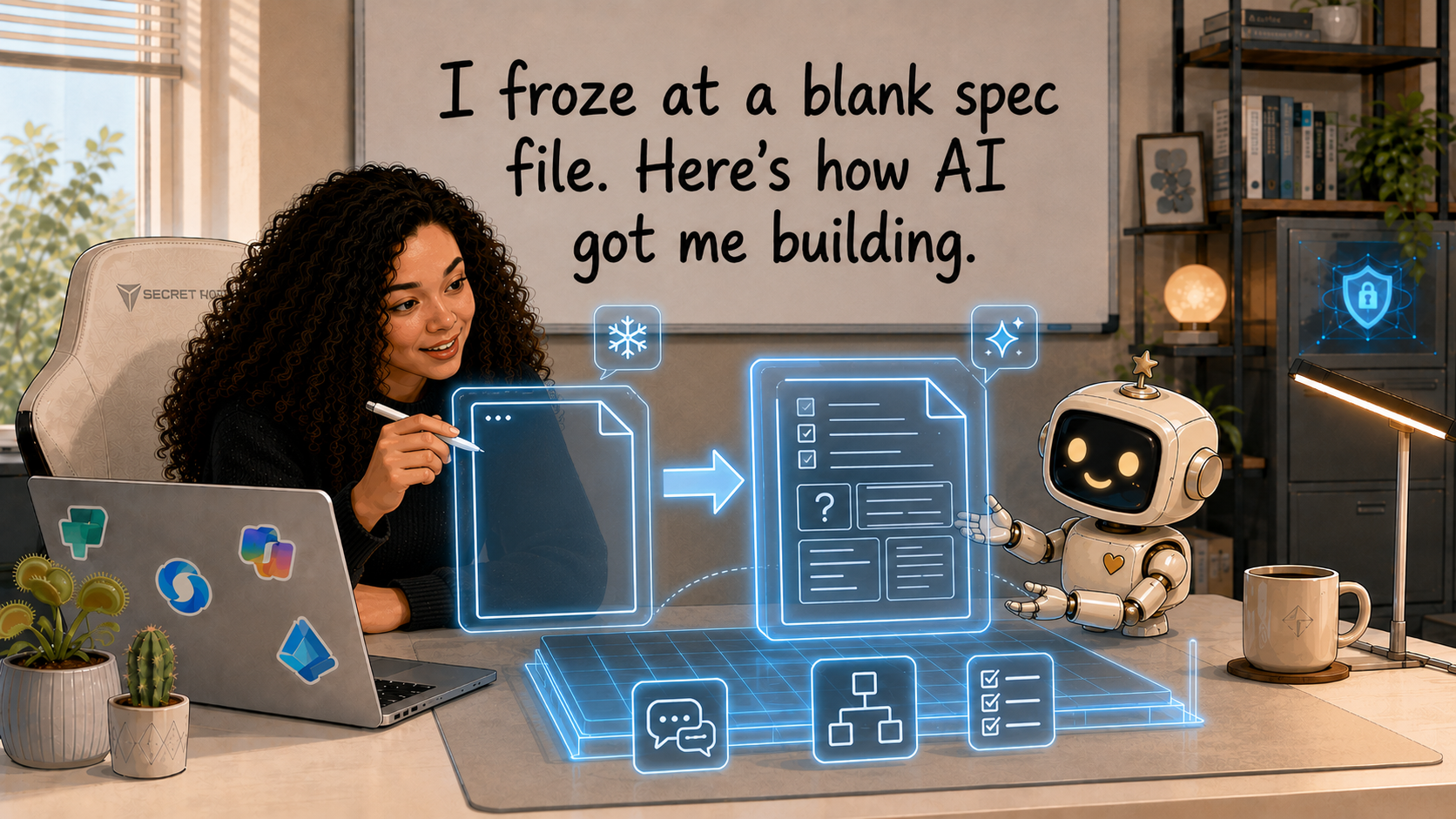
You do not need to know how to start. You need something to react to. That was the lesson that finally got me moving.
I had just come home from the European Power Platform Conference full of ideas. Charles Sexton had shown a way to give an AI coding agent a harness: durable instructions, checks and reference files that sit outside the model and keep the build pointed in the right direction.
I understood the idea. The approach made sense to me and the benefits were obvious. So I decided to use it for my next project.
I opened a blank file to create a harness for my Code App... and froze.
This happens to me more often than I would like to admit. I hear a smart talk, read a useful post or learn a new method. It makes complete sense while someone else is explaining it. Then I sit down to apply it to my own work and discover that understanding an idea is not the same as knowing what it should look like.
The gap between those two things is where my unknowns were hiding.
I knew the idea. I did not know my version of it.
A few days later, I read Thariq Shihipar's Anthropic post, Finding your unknowns.
He describes the difference between the map and the territory.
The map is what you give the AI: your prompt, instructions, specifications and context. The territory is the real codebase, platform and problem, with all the constraints you have not written down.
The distance between them is made of unknowns.
Some are easy to see:
- Known knowns: things I already understand and can state clearly.
- Known unknowns: questions I know I still need to answer.
- Unknown knowns: things I have never written down because they feel obvious to me, but I recognise immediately when I see them.
- Unknown unknowns: questions I do not yet know exist.
My blank-file problem was not a lack of ideas. I had too many assumptions that had never been pulled into the open.
So I changed the experiment.
Instead of asking Claude Code to build the app, I first used AI to help me discover what I was actually asking it to build.
Reacting was easier than generating
The most useful move was embarrassingly simple.
I stopped trying to produce the perfect specification from nothing. I asked Claude to produce a first attempt that I could correct.
That changed the work completely.
When the page was blank, I could not tell you what every section of the harness needed to say. When Claude proposed the wrong data model, an awkward user flow or a generic purpose for the app, I knew immediately why it was wrong.
That is an unknown known becoming visible.
I may not be able to generate the right answer on command but I can recognise the wrong one in seconds.
So I turned that into my super-power and shaped the collaboration with Claude around it. This became the pattern for the whole planning phase:
- Give Claude the context I already have.
- Ask it to expose assumptions and propose a concrete version.
- React to what it gets wrong.
- Turn my corrections into durable instructions.
- Repeat until the map starts to resemble the territory.
Start with a blind-spot pass
The first method I borrowed from Thariq was a blind-spot pass.
I told Claude what I was trying to build, what I already knew, where my experience stopped and what I wanted the harness to achieve. Then I asked it to identify the questions I was unlikely to know to ask.
The app I wanted to build was a skills-management app. Not just any skills-management app. A special one: a rebuild of the first Canvas App I ever made, at the start of my Power Platform career. The Canvas App is the origin of the Power Platform for me; the Code App, its evolution. It felt only fitting to evolve my first Canvas App into my first AI-assisted Code App.
The old app had started as a personal learning project, with a SharePoint data source that taught me everything about Power Platform development by having me make all the mistakes and walk into every trap.
The new version was supposed to prevent those mistakes by surfacing the traps upfront. So I started by telling Claude what I knew: the app needed to support self-assessment, skills discovery, communities, development goals, certifications and requests for help. It also needed a real Dataverse security model rather than security-shaped UI.
The blind-spot pass surfaced questions such as:
- Should the app use native many-to-many relationships or explicit junction tables?
- Which decisions could the generated Code Apps services enforce through types?
- How would a signed-in user map to the right Dataverse row?
- Which parts of the security model could be verified from the UI, and which needed direct probes?
- What would happen when the Code Apps SDK did not expose a Dataverse capability the plan depended on?
- Which facts came from current documentation, and which came from an older example?
I would not have started with that list myself. I was still thinking about screens.
Claude forced the conversation down into the parts that could make the build collapse later.
Let the AI interview you one question at a time
The second method was an interview.
I asked Claude to interview me one question at a time and to prioritise answers that would change the architecture, product behaviour or definition of done.
One question uncovered the real purpose of the app.
My original description sounded like a standard skills directory: record what people know, find experts, show capability gaps.
That was technically accurate but not what I intended at all.
Through the interview, I realised the app was not meant to rank people. It was meant to help colleagues grow together. A person should be able to say, “I want to learn this,” find someone willing to help and turn that exchange into visible development for both sides.
That changed the design.
Peer scores should not become a leaderboard. “Who can help?” mattered more than “Who scored highest?” Community demand needed to lead to action, not just another dashboard. Helping someone should count as evidence of contribution.
The interview also produced a feature I would have loved to have in the original app: a seeding mechanism that could create a starting dataset for a new environment and save me a lot of manual setup work.
It was born out of a boring question about onboarding the app.
That is what good questions do. They find product decisions hiding inside operational details.
Use references when words are too weak
We all know the expression, "a picture says more than a thousand words." That's a universal truth for how humans work. And a reference is doing the same thing for AI.
I gave Claude Charles Sexton's public Code Apps demo repository as a reference and asked it to study the pattern.
The repository showed the idea in its natural habitat: not as a slide, but as files, commands, validation steps and working conventions.
It gave Claude a concrete example of the shape I wanted. Source code carries detail that a screenshot or summary cannot.
Prototype the parts you can only judge by seeing
When you struggle with describing exactly what you want and you don't have a reference, prototyping is what can unblock you. That was true before (generative) AI, and now it's cheaper than ever.
Take visual design as an example. It's way harder to talk about design than to react to it.
I used Claude's design mode to propose directions for the app. I reacted to the density, navigation, hierarchy and tone instead of trying to specify every visual decision in prose and I was able to go broader and at the same time move faster than I ever could just working in Figma.
The same approach worked for product behaviour.
A help board sounds simple until you see the proposed tabs and realise one of them has no actual Dataverse backing. A demand view sounds useful until you look at it and cannot explain what it is showing.
Prototypes turned vague preferences into decisions while changes were still cheap.
That was the point. The prototype did not need to be right. It just needed to be specific enough for me to say why it was wrong.
Write the implementation plan before the code
Now I've listed a bunch of methods that, yes, absolutely helped me solidify the architecture of the app I wanted to build and gave me the clarity that I needed to orchestrate the build with confidence.
But did it create a good harness?
My boyfriend (who always has opinions about my experiments) put it best. He looked at the growing collection of specifications, contracts and instruction files and made a blunt observation:
He was right.
The implementation plan took all the prework I had done, connected the dots and brought it all together. It converted the app into a sequence of vertical slices that were much easier to build, test and manage than trying to build the whole thing in one go. More importantly, it put the decisions most likely to change at the top: the data model, risky SDK assumptions, security boundaries and user-facing flows.
The first slice was deliberately not about building the landing screen. Instead, it was all about proving the data layer.
That decision paid off immediately.
The generated Code Apps services did not expose a clean path for the native many-to-many relationships I had planned. There was no generated navigation property, no supported expansion path and no appropriate generated associate operation.
So the build stopped.
We replaced the native many-to-many relationships with explicit junction tables before the rest of the app depended on them.
Later, the seed approach also changed. The app's generated data client needed the hosted runtime and could not be used as a headless terminal script. The final seed tool used the Dataverse Web API as development tooling while the app itself continued to use the generated services.
Those were not small implementation details. They were decisions about the shape of the system.
The plan made us test them when changing direction was still cheap.
Keep implementation notes because the territory keeps moving
Throughout the build, Claude maintained an implementation-notes.md file and it is one of the most useful things that the harness introduced to my workflow. It recorded what we tried, what the live environment proved, where the plan changed and what remained unresolved.
In short: it was the project's memory.
Across many sessions, it stopped the coding agent from rewriting history. It also gave me a place to distinguish four different states that are easy to blur together:
- decided;
- implemented;
- tested;
- observed with a real user.
Those are not the same thing.
A security role can be designed but not provisioned. It can be provisioned but not tested. A deny test can pass while normal users are unable to do their jobs. A product decision can sit in a document for days before implementation proves it impossible.
The notes made those gaps visible.
Front-load the unknowns that can sink the build
The method did not make the project frictionless but it did something very useful: it moved several expensive surprises earlier.
Before building most of the screens, we had already tested:
- the generated service response shape;
- choice columns as integer-backed TypeScript types;
- lookup writes;
- the absence of a clean SDK path for the planned many-to-many model;
- the current-user mapping;
- the seed mechanism against live Dataverse data;
- the publish pipeline.
Code Apps are code-first web apps that run inside Power Platform, with Microsoft Entra authentication, Power Platform data sources and managed platform policies such as DLP and Conditional Access. That combination was exactly why I wanted to test it: ordinary code, but inside a governed Power Platform boundary. That boundary can cause a lot of trouble down the line if you don't account for it from the get go.
That's why the riskiest assumptions should not be buried at the end of the project. They need to be tested upfront. They are the entrance fee.
Try this on your next build
Before you ask AI to implement your next app, give it a smaller job: help you find what you have not made explicit.
Use this loop:
1. State your starting point
Tell the AI:
- what you are trying to achieve;
- what you already know;
- where your experience stops;
- which constraints are real;
- which decisions are still open.
2. Ask for a blind-spot pass
Use the words directly:
Do a blind-spot pass. Identify my unknown unknowns, especially anything that could change the architecture, data model, security model or user experience.
3. Ask for a strawman
Do not ask for perfection.
Ask for a concrete first attempt at the specification, flow, schema or design so you can correct it.
4. Let it interview you
Ask for one question at a time. Prioritise questions where your answer would materially change the build.
5. Give it references
Use source code, public repositories, diagrams and current product documentation. Tell the AI what to learn from each one.
6. Review an implementation plan
Put the risky and user-facing decisions first. Put mechanical work last.
Then choose the smallest slice that can prove the biggest assumptions wrong.
7. Keep implementation notes
Record deviations, failed assumptions and unresolved questions. Do not let “the tests passed” overwrite what actually happened.
You do not need to know everything before you start.
You need a process that keeps turning hidden assumptions into things you can inspect, challenge and test.
For me, that process closed the gap between “I understand the harness idea” and “I have built one around a real app.”
What can it do for you?
0 comments