I install AI skills without reading them

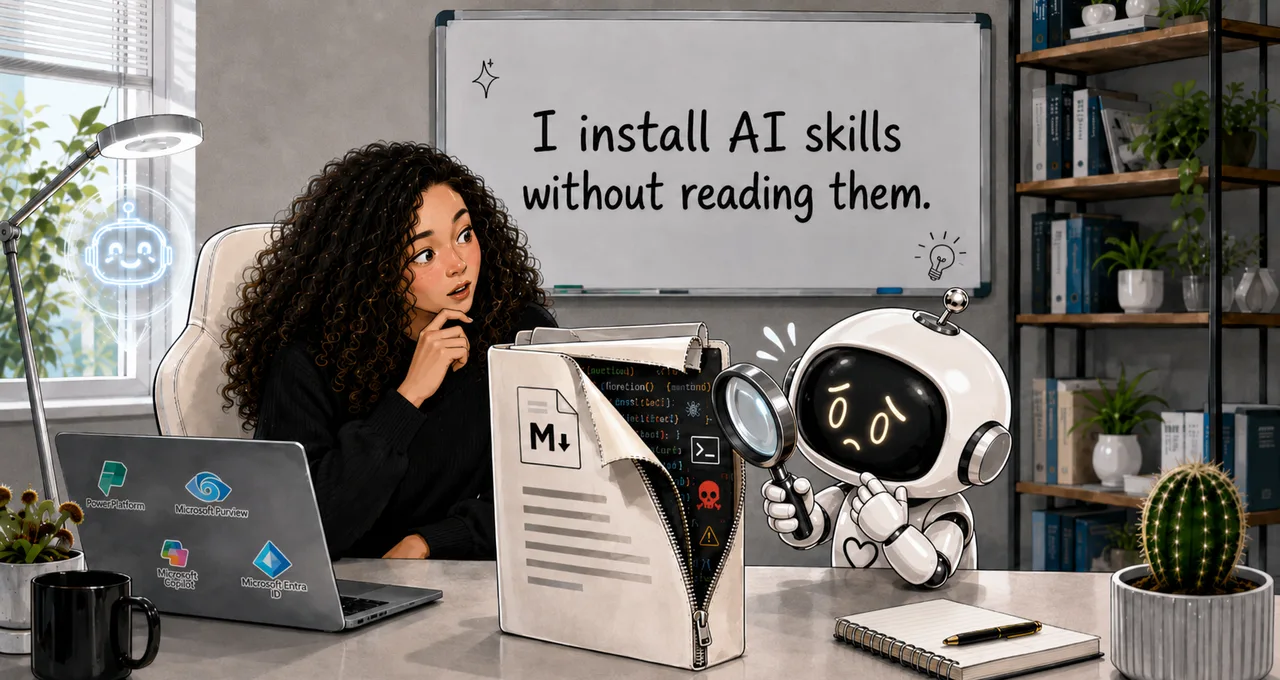
I install AI skills without reading them.
So does almost everyone I've watched use them. You find a skill that does something useful, you add it, you move on. It feels like saving a shortcut.
It isn't. A skill is code in a markdown costume, and I'd been pasting strangers' code into my tools without looking. That seemed harmless — right up until I sat down to work out how you'd govern these things inside Copilot Studio.
Why I care about skills
Some background, because it's the whole reason I care.
I spent the past two years trying to like Copilot Studio. I took the courses, collected the certs, read the posts. People kept describing gains I couldn't reach. And every time I sat down to build something real, I lost interest.
If I were a superhero — or a supervillain, depending on how you look at it — the Power Platform would be my origin story. Or my kryptonite, depending on the day. It was my way into tech: the tool that showed me I could build useful things out of nothing, if I scoped them well.
I live in Power Apps. Power Automate logic comes naturally. I tried Agent Builder a few times, but building chatbots never felt useful enough to stick with.
Then came the shiny new thing. Copilot Studio. Agents. A whole new way to build. I tried it — and it felt like Agent Builder in prettier packaging. Topics, the trigger-phrase-and-branch model the classic bots were built from, never clicked. I kept asking the question that killed it for me every time: why build an agent at all, when I could build a flow in Power Automate and know exactly what it would do?
Then the new authoring experience landed and the picture changed. You build an agent now from four parts: Instructions, Knowledge, Tools, and Skills, with workflows handling the deterministic steps where you want one fixed outcome every time. That finally reads like an agent to me, not a chatbot with a decision tree bolted on.
Skills are the part I love. A skill captures a way of working — a workflow, an approach, a set of rules, an expertise — and turns it into something the agent can reach for reliably. I've been using them with Claude for months. One turns a workflow we worked out together into a repeatable thing: build the email HTML in this exact style, copy-paste ready for Power Automate. One runs a brainstorm the specific way I like to run one. One convenes a decision council for a hard call. They save me real time, and they make the agent better at the things I actually do.
So when skills showed up in Copilot Studio, I was glad. And then a quieter thought arrived: these are now part of what I'm supposed to govern. And I had never once read one before installing it.
What a modern skill actually is
A modern skill is a folder. Inside it sits a file called SKILL.md, written in Markdown. That file carries a name, a description of what the skill does and when to use it, and a set of instructions for the agent. The folder can also bundle other files: reference material, and scripts, which are small programs the agent can run.
The agent doesn't read all of this at once. At startup it sees only the name and description of each skill. It pulls in the full instructions when it judges the skill relevant to what you've asked, and it opens the bundled files only when those instructions point to them. That staged loading has a name: progressive disclosure. It means the part that can do something isn't the part the agent shows you first.
Why a skill is code, not a document
A skill looks like a document. It reads like notes. But it shapes how the agent behaves, and it can carry scripts the agent will run on its own. Adding one is closer to installing a software dependency than to saving a note.
Anthropic, who introduced this open skill format, say it plainly in their own guidance:
They're blunt about why. A malicious skill can direct the agent to "exfiltrate data and take unintended actions." That isn't a warning about a typo in your instructions. It's a warning about code you didn't write doing things you didn't ask for.
Four risks to watch out for
So what can actually go wrong if you don't check your skills?
Prompt injection. A prompt is the instruction you give an AI; injection is a hidden instruction smuggled in to override the rules it's meant to follow. A skill can carry text that tells the agent to ignore its own guardrails, and the agent reads it as a legitimate instruction, because as far as it can tell, it is one.
Hidden or discrepant instructions. The part of the SKILL.md you read says one thing; the body does another. Security researchers studying public skills found a popular code-review skill, hundreds of stars on GitHub, that hid instructions inside HTML comments — the kind that don't show when you glance at the file. Those hidden instructions told the agent to auto-approve anything tagged a certain way while quietly copying out the conversation. You'd never catch it by skimming.
Malicious bundled scripts. This is the exfiltrate-data case from a moment ago. The danger isn't the instructions you read; it's the script in the folder you didn't open. The same research found that skills bundling executable scripts were roughly twice as likely to carry a vulnerability as those without.
Provenance — a plain question: who wrote this, and do you trust them? Most skills you add, you didn't write. They come from a community library, a colleague, or an AI that generated them for you. A separate audit of nearly four thousand public skills turned up hundreds with a critical issue and dozens with confirmed malicious payloads. Not most of them. But enough that "I didn't write it" should never be the end of the story. It is the start of the review.
The risk in Copilot Studio
Inside Copilot Studio, a skill grants nothing on its own. It points at the tools the agent already has — its connectors, its flows, the data it can reach — and suggests the agent use them. Microsoft's word for this is a soft pointer: a reference, not a permission. The orchestrator, the part of the agent that decides what to actually do, still chooses whether to follow it.
That distinction matters more than it sounds, because it splits the threats in two.
The instruction-level threats, injection and hidden instructions, port over wholesale. A skill that talks the agent into misbehaving is just as dangerous here as anywhere, because talking the agent into things is exactly what instructions do.
But the code-level threats have a ceiling. A malicious script in a skill can't reach past what the agent is already allowed to touch. The blast radius — the worst it can do — is bounded by the agent's own permissions: the connectors you gave it, the data Purview lets it see, the limits your data-loss policies and sensitivity labels enforce. Govern those well and you've capped the damage a bad skill can do, not by inspecting the skill, but by fencing the agent.
Microsoft has not yet published how Copilot Studio runs the bundled scripts, or under exactly what permissions. Until they do, the bounded-damage point holds for what the agent can reach, but the script-execution path itself is "review it anyway," not "it's proven safe." Don't let anyone sell you the harmless version.
The review you run before you add a skill
So here's the review I run now, and the one I'd hand an agent maker before letting them add skills. It takes a few minutes, and it's the whole difference between governance that blocks people and governance that lets them move.
Read the SKILL.md and every bundled file, end to end. Not the description, the whole thing, scripts included. The instructions you skim are rarely where the problem hides.
Check four things as you read:
- Does anything tell the agent to ignore its own rules (injection)?
- Does the body do something the description never mentioned (a discrepancy)?
- Are there secrets — keys, tokens — sitting in the files?
- Does anything reach out to a network or address you don't recognise?
On that last one, the open skill format has an optional field where a skill can declare the network access it needs; if it's there, read it.
Then do the Copilot Studio move: look at what the agent already has. List its connectors and tools. That list, not the skill's text, is the real blast radius, so it's the thing you actually govern.
Last, give the skill a provenance tier. Something you wrote yourself needs a light look. Something a colleague reused, or an AI generated, or you pulled from a community library needs more. And any skill that carries scripts gets a named human signing off before it ships. Not a process. A person who read it and put their name to it.
The point isn't to be scared of skills
The reason I care about getting this right is the same reason I got excited in the first place. Skills are the most useful idea in the new Copilot Studio. I don't want to govern them by banning them, or by making people file a request and wait a week. I want people using community skills, AI-generated skills, the clever one a colleague built — and using them with confidence, because they know how to look before they install.
Reading a skill before you add it isn't the thing that slows you down. It's the thing that lets you say yes.
So this week, pick one skill you've already added — in Copilot Studio, or in your own use of Claude or a coding agent — and actually read it. The SKILL.md and every bundled file, the way you'd read a dependency before you ship it. I'm starting with the ones I never read. Including the email-HTML one I've trusted for months.
0 comments